
A small library wants to learn why some visitors avoid the reading area in the afternoon. Instead of an ordinary text form, the team considers Synthesia Survey Sessions, in which an AI avatar asks spoken questions and may follow up. The platform produces individual responses and an AI-generated thematic report. That report can be useful for sorting comments, but it does not establish what all visitors think. This hypothetical workflow puts voluntary participation, sensible questioning, secure handling and careful interpretation ahead of a neat AI summary.
Define one narrow research question
Ask what information the library actually needs to decide: whether the reading area is comfortable during afternoon hours, and what improvements visitors suggest. Avoid leading questions like ‘Why is the room too loud?’ which presuppose a problem. Prepare two or three neutral questions, such as ‘How has the reading area worked for you?’ and ‘What would you change, if anything?’ Do not request names, medical information or other sensitive personal details unless there is a separately approved need and process. An AI avatar’s conversational manner should never make feedback feel compulsory. The library must offer a non-AI route for anyone who prefers a paper or human conversation.
Check product availability and response allowances
Synthesia introduced Survey Sessions as a way to collect spoken responses with an AI avatar and review themes. Its October 2026 plan announcement says self-serve plans include three survey responses monthly, while additional usage consumes credits; rates can change, so check the live account before launching. The feature is different from Roleplay Sessions: survey participants are not scored as learners. Budget for the number of expected respondents rather than assuming a free unlimited survey. Ask who will pay for credits, who administers the session, and who is authorized to read recordings and transcripts.
Build the survey in the documented editor
Synthesia’s help center describes two creation routes: select Create Survey and work with the Assistant, or add an AI Survey scene to an existing video. Review the suggested questions before continuing to the editor. The AI may phrase a question more confidently or more personally than the library intended. Delete or rewrite anything irrelevant, judgmental or outside the approved goal. Choose a calm introductory scene explaining the study, the optional nature of the survey, expected time and where questions can be directed. A pleasant avatar is not a substitute for clear information about data handling and voluntary participation.

Set follow-up depth to respect respondent choice
For each question Synthesia documents probe depth settings: None, Light, Moderate and Deep. Use None or Light for basic impressions so that an awkward or short answer does not trigger repeated questioning. Reserve more probing only for questions that justify it and allow participants to decline. Set a short overall survey time limit; people using shared library devices may have limited attention or privacy. Test the wording with approved staff using fictional answers, looking for patronizing prompts or assumptions about a person’s circumstances. The guide is not evidence that any live visitors were interviewed.
Publish only after a privacy and accessibility review
The documented workflow includes Generate and sharing through a link, embed or SCORM package, and participants do not need Synthesia accounts to respond. Before sharing, confirm how data will be collected, retained and accessed under the library’s policies. Explain that responses may include audio and transcripts reviewed by authorized staff. Provide an accessible alternative for people unable or unwilling to use spoken AI. If using a shared kiosk, plan to protect responses from the next visitor. A publicly accessible survey link is not the same as permission to distribute recordings to everyone who receives the report.

Examine source answers before reading AI themes
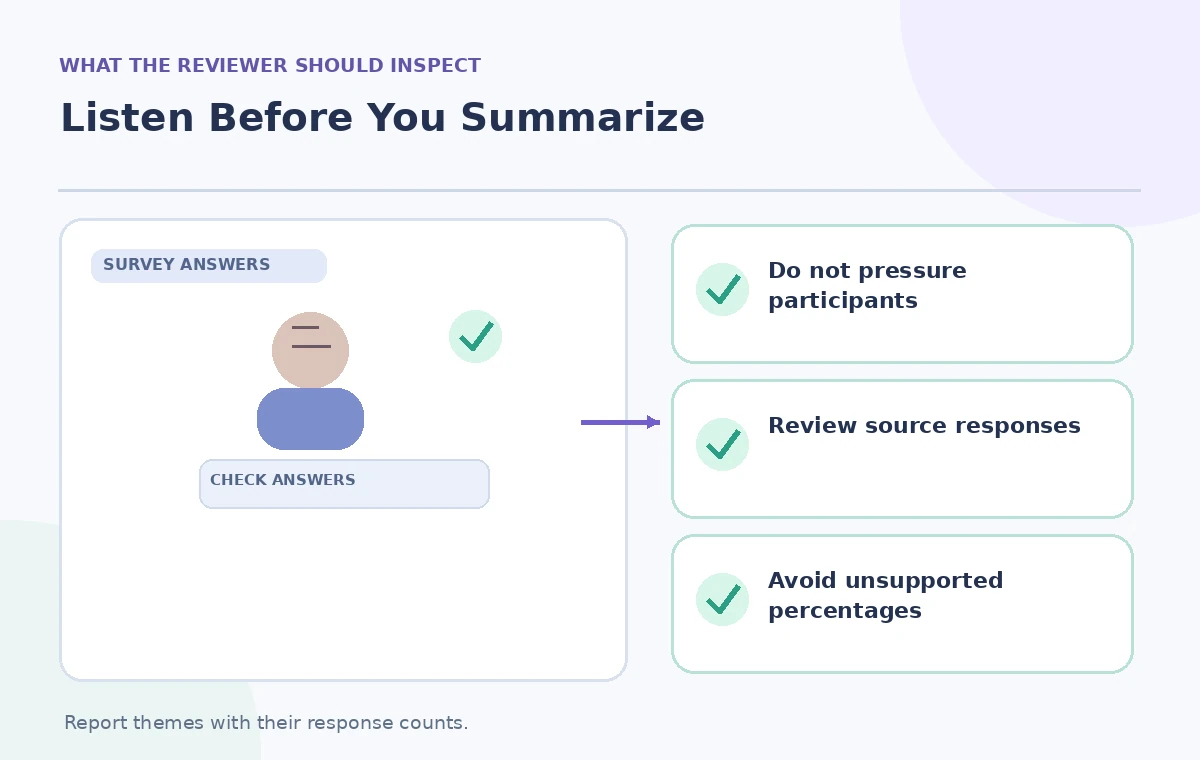
Synthesia’s Results interface includes Report, Responses, Questions and Adoption tabs. The Responses tab provides per-participant text, transcript and audio; the Report tab produces an AI summary of themes and sentiment. Review the source answers first, including brief and neutral comments. For example, one fictional visitor says the room is noisy on Tuesdays. A report phrase such as ‘Most visitors have noise concerns’ would overstate that single comment. Count the applicable responses yourself and state the denominator. Where transcription or language interpretation seems wrong, correct the working notes or qualify the finding instead of presenting the automated theme as verified.
Separate qualitative feedback from a representative statistic
Even a perfectly transcribed conversational survey may not reflect the full community. People who encounter a QR link, choose to speak to an avatar and have time to answer are a self-selected group. A theme’s prominence in AI prose is not a measured prevalence among all library users. Report examples as ‘among responses collected’ and distinguish one person’s story from a repeated pattern. If a percentage is necessary, compute it from clearly defined categories and the actual count of respondents, not from a sentiment summary. Explain missing responses and avoid treating anyone’s silence as agreement.
Verify the timing and export workflow
Synthesia says new responses and refreshed reports may take up to 30 minutes to appear, so results are not real time. Its results documentation describes exports including a PDF report and CSV response table. Do not use a stale report after new answers have arrived without checking the timestamp. Keep raw identifiable response data restricted to authorized staff and share a redacted, aggregated findings document more broadly. If audio files include incidental sensitive information, follow the library’s deletion and escalation policy before circulation. Export formats help with review, but exporting does not automatically make the content accurate or safe to share.
Turn findings into a reversible decision
Publish only conclusions that can be traced to actual responses and reviewed by a human. A modest pilot might try a quieter table arrangement on certain afternoons and solicit follow-up feedback, rather than declaring that the library has solved a widespread problem. State what the survey cannot tell you: the number of nonparticipants, competing explanations and visitors who prefer different communication methods. Keep original questions, configuration, review notes and a dated approval for the final report. Synthesia makes spoken feedback easier to organize, but librarians remain responsible for fair outreach, privacy, analysis and the final service decision.
How We Research
Our editorial research checked primary vendor documentation: Synthesia — What are Survey Sessions?; Synthesia — Create a Survey Session; Synthesia — Review Survey Session results; Synthesia — October 2026 plan changes. We compared the documented feature, entry point, entitlement and limitations against every practical instruction above. This is a hypothetical teaching scenario, not an account-based demonstration: no real participant was interviewed, no video or slides were generated for a benchmark, and no AI accuracy, cost savings or user metrics were measured. All diagrams are original conceptual illustrations rather than vendor screenshots. Readers should recheck the current account settings, privacy terms, approvals and vendor help pages before using these methods with actual people, records or public content.
Frequently Asked Questions
No. Synthesia describes survey sessions as response collection, not pass/fail assessment.
Yes. Questions have configurable depth from None through Deep, which editors should choose carefully.
Synthesia says respondents can access a published survey through a shared link without logging in.
No. Synthesia advises allowing up to 30 minutes for new responses and report updates.
Not without checking source responses, respondent counts and the self-selection limitations of the sample.