
An AI tattoo design generator can help someone explain a visual idea, but a generated image is not a safe or finished stencil. Curvature, actual skin, tiny gaps and human technique all affect whether a mark reads clearly over time. Adobe describes Firefly tattoo generation as a concept and iteration tool and recommends collaboration with an experienced tattoo artist. This guide turns a hypothetical botanical-and-compass idea into a short design brief, a readable draft, a placement conversation and an approval packet. We did not generate a real tattoo, test a stencil or provide medical advice.
Set a brief that explains meaning rather than copying an existing tattoo
Before writing a prompt, decide on the subject, overall silhouette, blackwork versus color, approximate body location and one element that carries the meaning. For example: “small compass rose wrapped in two olive branches; simple black line drawing; plenty of open skin between leaves.” Save a reference board only from art you own, commissioned work you may reuse, or images for which you have permission. Reference pictures from someone else’s portfolio are useful for discussing a style with the artist, not a license to reproduce their signature work. A text-only starting point lowers the temptation to imitate a recognizable tattoo. Put the most important element first so its identity survives simplifying. A readable motif matters more than ornamental density.
Generate concept directions without treating the output as a stencil
Adobe’s Firefly tattoo-generator explainer describes making tattoo concepts from text and visual references and refining those concepts with an artist. Begin with three deliberately different directions: bold traditional lines, restrained botanical blackwork, and minimal geometry. Keep the same compass and branch subject across versions. Compare them at a small on-screen size and grayscale, rather than choosing the most elaborate illustration at desktop resolution. Do not trust decorative lettering or tiny symbols generated by a model without checking each one. A prompt is not a vector drawing specification and an attractive render may contain impossible joins, broken geometry or shaded texture that will not transfer cleanly.
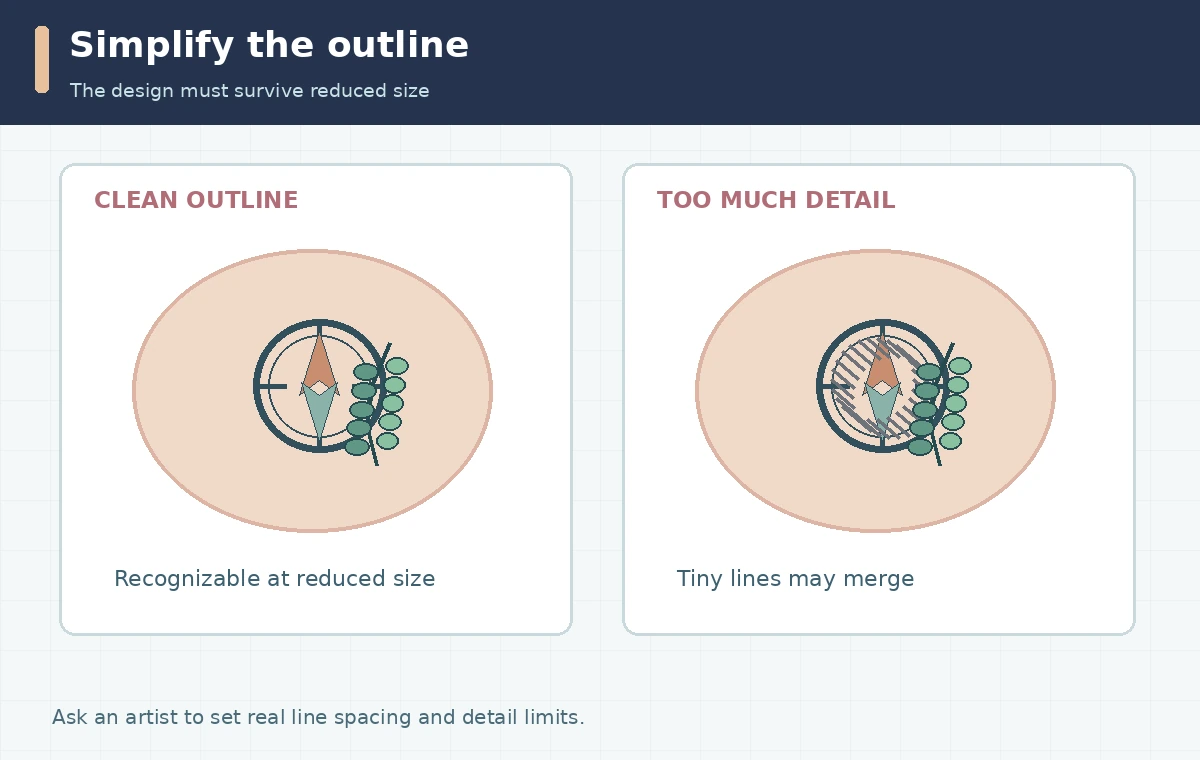
Reduce the design to line groups an artist can evaluate
Make a working copy with three visual layers in mind: primary outline, secondary interior marks and optional shading. Ask whether the compass still reads with all shading removed. Where olive leaves cross the ring, show clear front/back intersections rather than merging every line into a dark knot. Use normal editing tools to redraw or simplify ambiguous paths; a fresh AI generation is not always the best repair. Inspect black lines on white and white lines on dark so holes and disconnected pieces are visible. Record areas that the artist should reinterpret rather than presenting the AI drawing as an exact blueprint. The practical quality gate is “recognizable and editable at the expected placement,” not a made-up sharpness score.
Check placement and body curvature with an honest mockup
Print a rough outline at the intended real-world size and discuss the proposed spot with the tattoo artist. The curve of a forearm, calf or shoulder changes the apparent width of circles and straight elements, so a flat AI render cannot predict final appearance. A photograph placed under a transparent drawing may help discuss orientation, but it is only a planning mockup. Obtain the subject’s permission before using or uploading any body photographs. Do not create deceptive before-and-after photos that imply a tattoo has been applied. For this example, ask how the compass will rotate with the arm, whether branch tips land near a joint, and which negative spaces might close visually when reduced.
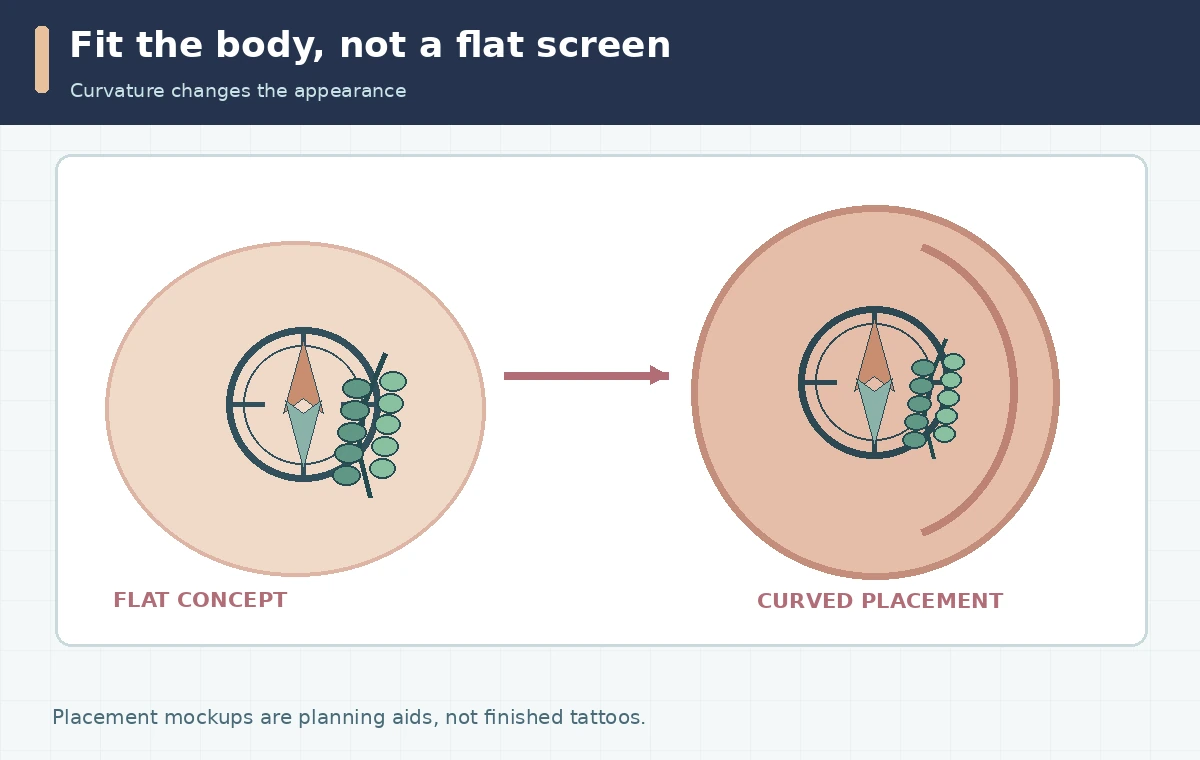
Make a placement and readability checklist for the consultation
Create a one-page review sheet: preferred placement and approximate dimensions; one bold version; one simplified outline; the original meaning brief; and questions for the artist. Ask about the minimum practical gap between adjacent lines and whether complex shading needs to be reduced for the chosen size. The artist must determine those limits from their technique, design and the individual client. Show the design from the expected viewing distance, not just at 400% zoom. If any symbol has language, a date or cultural significance, verify its exact text and meaning independently. Do not rely on a generator to authenticate scripts, religious symbols or traditional motifs. This prevents aesthetic enthusiasm from obscuring permanently important details.
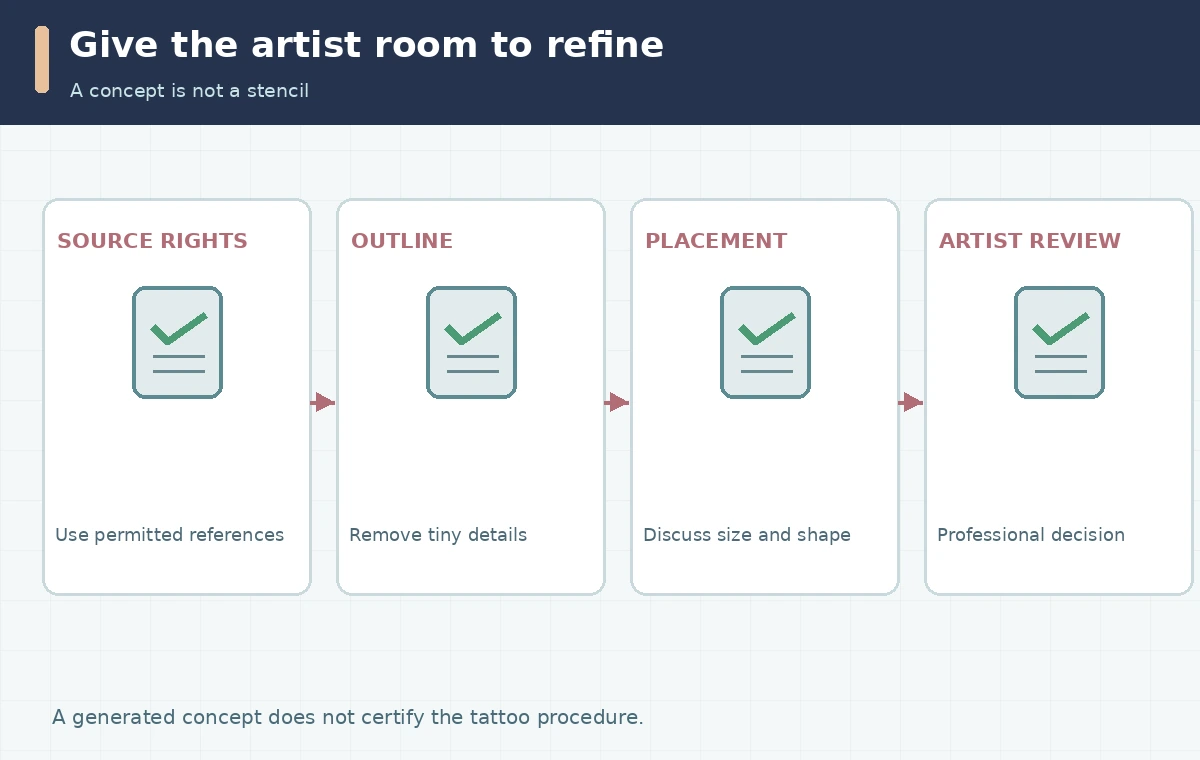
Review permissions, privacy and health boundaries
Adobe explains that generally available Firefly image features may be used commercially under its published conditions, but that does not clear a copied character, logo, someone else’s tattoo design or any uploaded source. Read Adobe’s Firefly FAQ and the specific model terms before selling or sharing artwork. A tattoo is a procedure performed by a trained human, not a software export. Ask your chosen studio about professional standards, sanitation, aftercare and local requirements; do not treat AI or this page as a substitute for individualized health and safety guidance. Keep photos with identifying marks private unless the subject has explicitly consented to sharing.
Hand off a concept package rather than a promise of exact replication
Deliver two or three selected concept images, a clean monochrome outline, a placement sketch, the design brief, and a list of source permissions. Mark AI drafts “concept only” so nobody mistakes them for a final approved stencil. Request that the artist redraw and adapt line weights, shading and dimensions for the body and method they use. During the consultation, compare the proposed revisions with the meaning brief, not against the number of pixels copied from the model. Retain the artist’s final sign-off and let the studio control the technical tattoo process. This workflow is for communicating an original idea clearly, not for bypassing the skill, judgment or safety responsibilities of a tattoo professional.
How We Research
We reviewed Adobe’s tattoo-generator overview and Firefly commercial-use FAQ on October 28, 2026. These sources support concept generation and the need for artist refinement, but not a claim that a generated file is a tested or medically safe stencil. The placement checklist is an editorial planning aid, not clinical advice or an artist-tested workflow. The diagrams are original conceptual illustrations; they are not vendor screenshots, measured outcomes, or evidence of first-hand tool testing.
Frequently Asked Questions
Yes, as an idea reference. Ask the tattoo artist to redraw it as needed for technical suitability, placement and your preferences.
No. Fine details, geometry and line weights require professional evaluation; a render is not a finished transfer design.
Do not assume image generation clears copyright, consent or an artist’s original work. Use properly permitted references or commission an original design.
Bring a concept, simplified blackwork version, approximate placement and size, and any relevant source-permission information.
Only if you accept the service’s data terms and have permission from any person shown. A paper placement sketch can be safer.