
The best vibe coding tool is the one that leaves you with an application you can explain, update and protect. “Vibe coding” describes directing software creation through natural-language requests; it does not describe a single product type. A browser-based app generator and an AI assistant inside a code editor can both qualify, but they create very different maintenance obligations.
For a useful choice, compare five concrete routes: Lovable, Bolt, Replit, v0 and Cursor. The verdicts below are editorial fits based on documented workflows, not results from a controlled benchmark or claims that we personally deployed each service. Published features and usage limits change, so check each vendor before paying.
First decide whether you need an app or help writing code
An app generator takes a description, proposes screens and often connects backend functions. This route fits a founder who wants a customer portal or a team that needs a clickable prototype. A coding editor operates on files and repositories you already understand; it is better when a developer must keep architecture, tests and deployment under tight control.
Do not start by asking which AI has the largest model. Write down the users, data, login requirements, device targets and expected lifetime. A marketing landing page, a multi-user inventory tool and a mobile application require different systems even when all begin with a prompt.
Compare the five routes using a practical fit matrix
Lovable emphasizes conversational creation and hosted publishing of web applications, with repository synchronization and security tooling documented by the vendor. Bolt is a browser-based builder aimed at generating and iterating application code. Replit combines an agent with an editable workspace, hosting and production resources. v0 concentrates on interface generation in a React/Next.js-oriented workflow. Cursor is an AI-enabled editor for an existing repository rather than a hands-off website host.
For a nontechnical web-app prototype, shortlist Lovable and Replit first; evaluate Bolt when the code iteration experience matters. For interface-first developer teams, investigate v0. Choose Cursor when developers will own the repository, write tests and manage deployment. These are starting points, not numerical product scores.

Run one identical trial before choosing
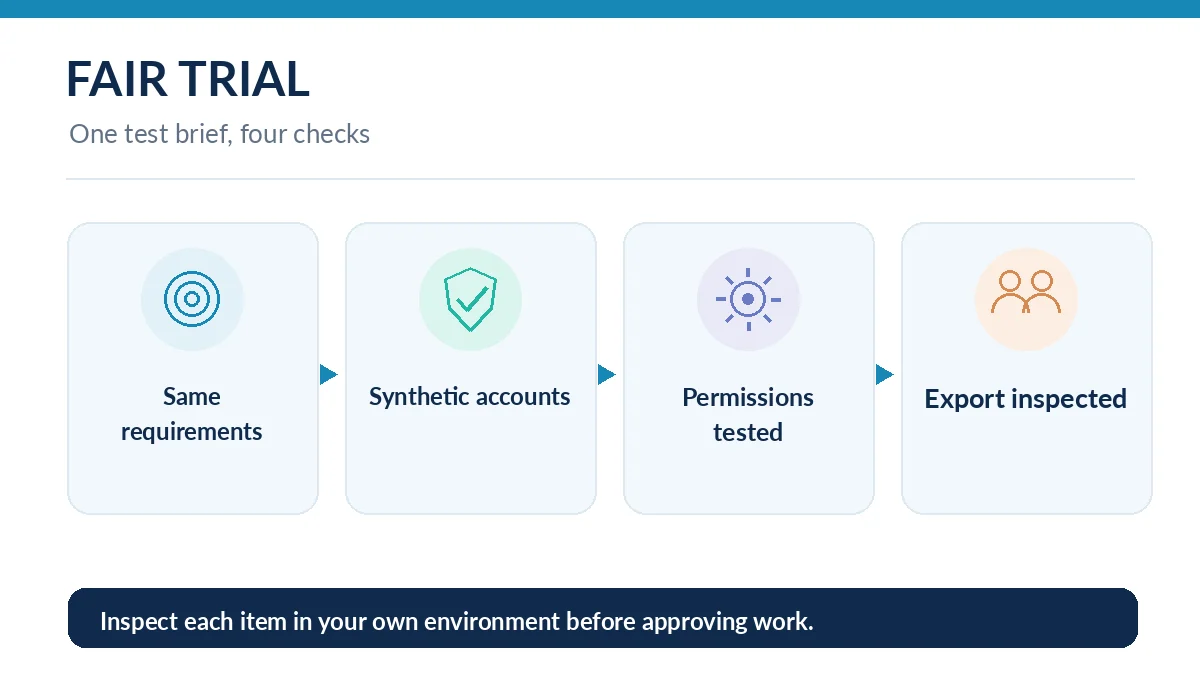
Create a harmless trial with three screens: a searchable list, a record detail view and a form with validation. Use synthetic records, not real customer information. Supply the same brief to each candidate: user roles, fields, error messages and acceptance checks. Save the prompts so you can tell whether a tool understood a requirement or you quietly fixed it by hand.
Score what you can observe: whether validation works, whether errors can be corrected without breaking another page, whether the project exports to a maintainable repository, and whether a colleague can explain the changes. Record unknowns instead of guessing them. A preview that looks finished is not proof of security, scalability or production readiness.
Understand hosting, ownership and the exit plan
Publishing to a managed URL is convenient, but a working preview is only one part of ownership. Ask whether the source code can be synchronized to your repository, which database holds production records, how backups are taken and which credentials you must manage after leaving the service. For Lovable, the vendor distinguishes built-in hosting from an external deployment that becomes your responsibility.
For Replit, published resources are separate from the editable project. Production secrets and databases deserve their own checks. With a code-first editor, you typically already choose the deployment provider and take on the operational work. The easiest prototype may be expensive to migrate later if no one has planned the data exit.
Evaluate security before adding real users
A generated login screen is not an authorization system. Create two dummy accounts and confirm that one cannot read or modify the other account’s private records. Check server-side access rules, not just hidden buttons. Keep API secrets out of browser code and apply the least permission necessary for connected services.
Lovable documents quick and deep security scans, while acknowledging that scans cannot guarantee complete security. OWASP lists broken access control, misconfiguration and supply-chain failures among the critical web application risks. If you cannot independently verify permissions or handle an incident, keep the project as a non-sensitive prototype.
Compare costs without inventing a single all-in price
A subscription may not include unlimited agent turns, compute, database storage, custom domains or third-party API usage. Separate five line items: generation allowance, hosting/runtime, data storage, connected AI APIs and ongoing developer review. Different products count work in different units, so the cheapest headline subscription is not necessarily the cheapest deployed application.
Make a 30-day pilot budget with a fixed limit on iterations and a maximum allowable monthly operating cost. Recheck official plan pages at purchase time rather than copying a price screenshot into a permanent forecast. Export the final candidate and verify how much ordinary maintenance would cost without the original generation assistant.
Choose the shortest viable path, then document handoff
For a demonstration with no real data, a managed generator can shorten setup. For a business application, insist on source control, role testing, error monitoring and a named maintainer. For a mature codebase, begin with the tool that works in the team’s normal review process, even if its first prompt looks less magical.
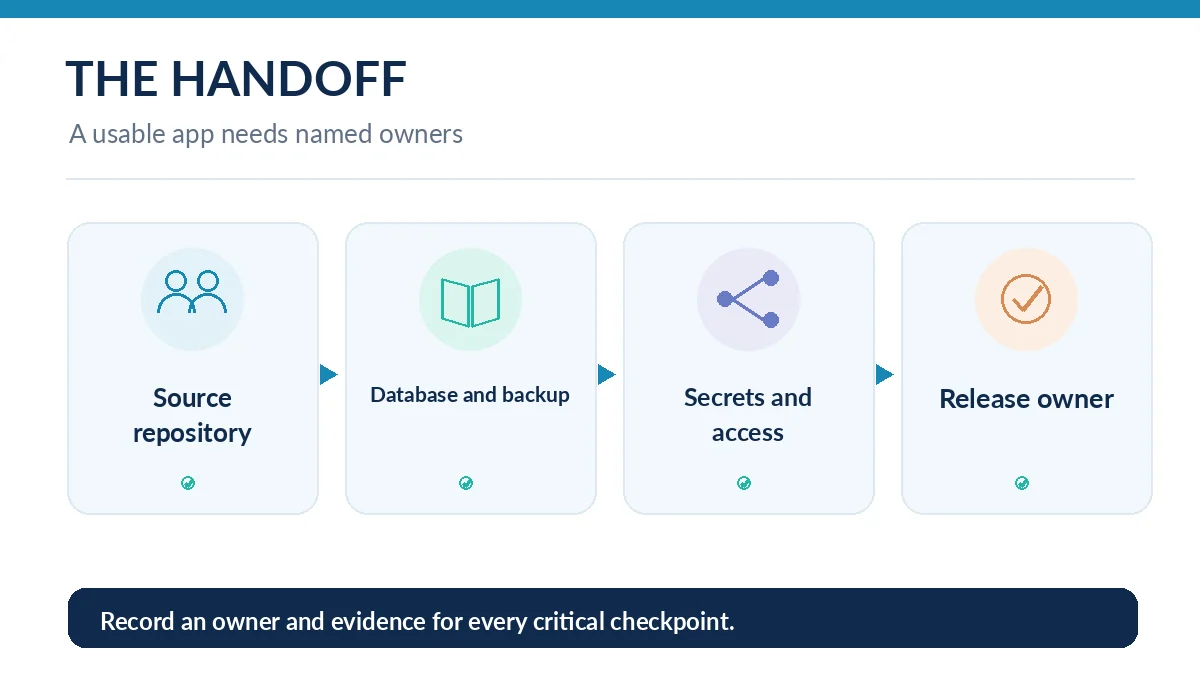
Handoff should include the original brief, repository location, deployment owner, database owner, environment variable inventory, manual recovery steps and a list of known limitations. Without those artifacts, the next change becomes guesswork. That is the biggest difference between a fun vibe-coded demo and an application somebody can responsibly support.
Keep a scorecard that another decision-maker can audit
Give every candidate the same five-column scorecard: required behavior, observed result, unresolved question, export path and owner. Mark observations as pass, fail or not checked; do not convert unknowns into made-up scores. Ask the reviewer to watch the demo, then independently attempt a normal task and an invalid submission.
If one product requires far fewer prompts but leaves no usable maintenance trail, the fastest prototype can still be the wrong choice. Make the final selection contingent on the exit and risk checks, not an attractive interface. Archive the result with a date, because platform capabilities and plan restrictions will change.
How We Research
We reviewed the vendors’ documentation for Lovable publishing, Lovable security, Replit publishing, Replit production secrets, and the OWASP Top 10:2025. Our categorization is an editorial judgment about workflow fit, not a hands-on cross-vendor speed test. We omit volatile subscription figures and do not assume a vendor scan proves an app secure. Checked October 26, 2026.
Frequently Asked Questions
Vibe coding uses natural-language instructions to generate or modify software. Traditional no-code usually builds with predefined visual components. Modern tools can combine both approaches.
A hosted builder such as Lovable or Replit is a reasonable starting trial, but compare the same task in both and inspect data handling before choosing.
Only after independent validation of authentication, server-side authorization, secrets, backups and support procedures. An appealing preview is not enough.
No. A repository helps with code ownership, but your application may still depend on a managed database, proprietary integrations or a particular deployment environment.
They can reduce manual scaffolding and prototype work. Security review, difficult debugging, operations and long-term maintenance still need accountable people.