
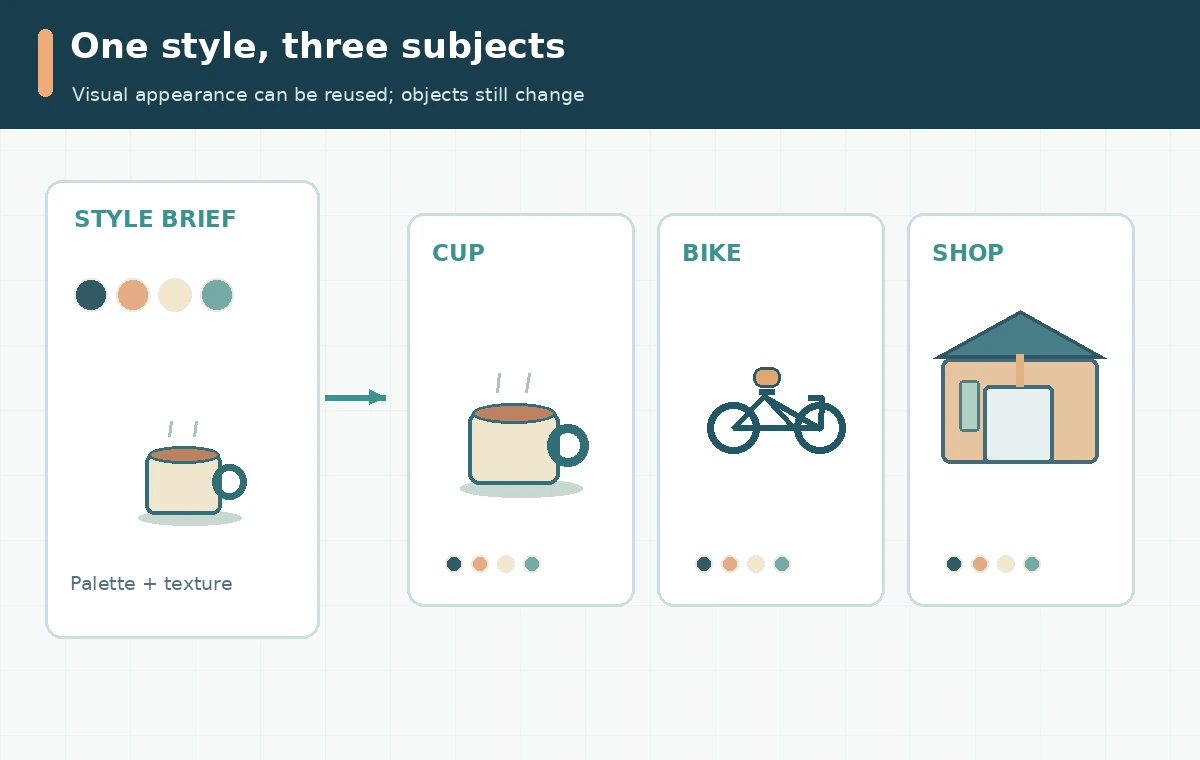
A Midjourney Style Reference helps carry a visual language across images that depict different subjects. It is not a character lock, a layout template, or permission to copy someone else’s artwork. This guide builds a hypothetical three-image illustration series for an independent café: a coffee cup, a bicycle courier, and a storefront. The useful output is a reusable style brief and review grid rather than a promise that every rendering will match. We examined the current Midjourney documentation; no images were generated on a vendor account for this article.
Define the invariant look before writing three prompts
Start with properties that should survive changes of subject: two or three dominant colors, the texture of the marks, degree of realism, lighting direction, edge treatment, and visual density. For the café example, choose warm cream paper, muted teal linework, coral accents, softly uneven ink and generous negative space. Then decide what should not remain invariant: the objects themselves, their poses, and the background staging. Write this distinction down as a small art-direction sheet. A Style Reference concerns aesthetic qualities; Midjourney explicitly says it does not copy the people or objects shown in the reference image. If your business needs an identical mascot, use a different identity-preserving or editing workflow and check the result manually.
Choose an authorized image reference or a reusable style code
You can put an uploaded or previously generated image in the Style Reference area on midjourney.com, or use a suitable image URL after the Discord –sref parameter. A code can also replace the image: –sref followed by a numerical code applies a look from Midjourney’s style library. These are alternatives, not equivalent ways of recovering an exact look from a photo: the documentation says a numeric style code cannot be created from an uploaded image. Style Explorer and Style Creator are different discovery routes. Confirm that you own or are authorized to use any reference; a visual resemblance to another artist’s distinctive work deserves editorial review. For the source-specific control described here, consult official style-reference options.
Write three subject prompts with a stable art-direction contract
Make the subject different in each prompt but leave the composition rules aligned. Example A: “simple editorial illustration of a ceramic coffee cup on a counter, centered, ample empty space.” Example B: “editorial illustration of a bicycle courier carrying coffee, three-quarter view, ample empty space.” Example C: “editorial illustration of a small corner café storefront, eye-level view, ample empty space.” Append the same chosen Style Reference for each run. Keep the text free of competing adjectives such as photorealistic chrome when the reference is soft paper ink. Save the actual parameter string alongside each image so a teammate can diagnose drift later.
Adjust style strength one variable at a time
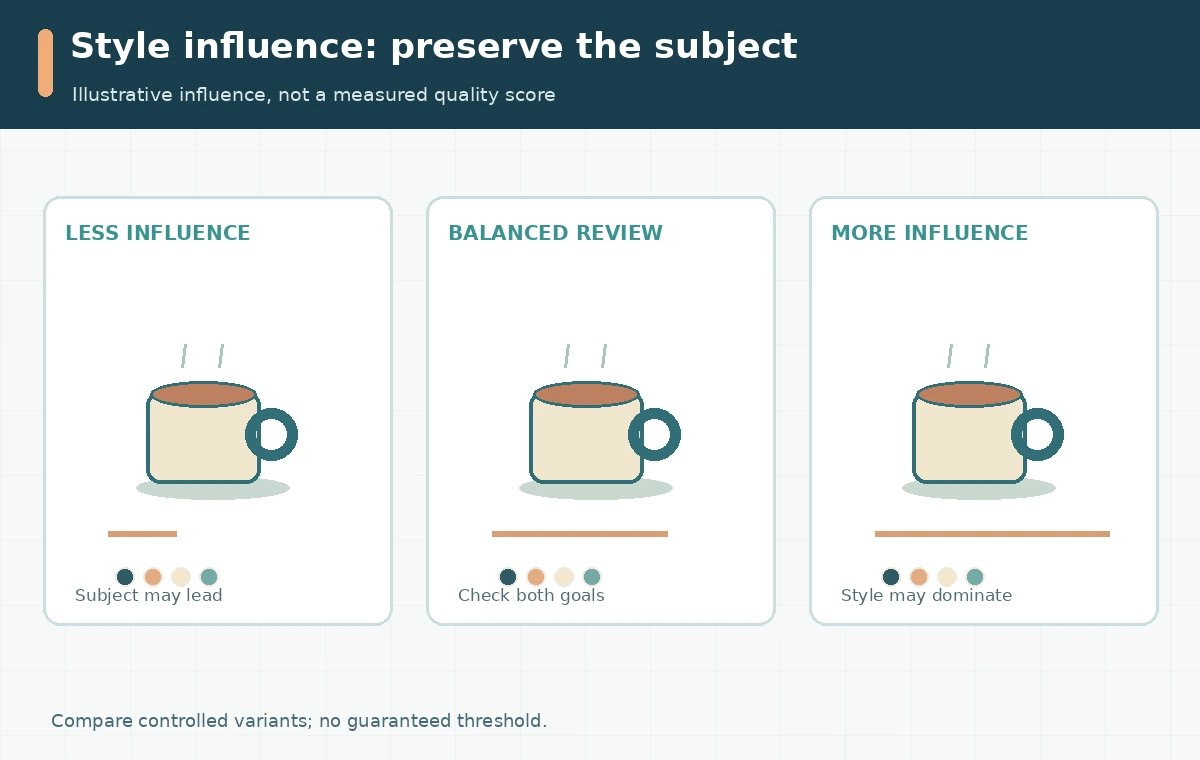
The Style Reference documentation describes –sw from 0 to 1000, with 100 as the default, though sensitivity can depend on model version and whether a code or image is used. Do not treat a higher number as a quality score or guaranteed fidelity. First hold prompt, model version and reference constant, then try a lighter and stronger influence. Judge which candidate retains brand colors and texture while preserving the requested coffee cup or bicycle. If the reference overwhelms the subject, reduce the strength or remove conflicting style terms. Record which settings were used rather than presenting example weights as independently benchmarked results. For the source-specific control described here, consult the style-weight definition.
Review a three-image contact sheet instead of isolated favorites
Place the storefront, courier and cup at the final display size in a single row. First look for a shared palette, coherent line thickness and compatible camera perspective. Then inspect each image for artifacts: stray wheels on the bicycle, distorted cup handles, misleading signage and text that the image model invented. There are two review passes for different purposes. The art director checks consistency and communication; the factual reviewer checks the depicted products and claims. An image can look stylistically consistent but still be unusable as a customer-facing product illustration. Keep the rejected files and the reasons in a brief review log.

Separate an aesthetic reference from a reproducible asset library
Approved final artwork should live in an organized folder with the prompt, selected Style Reference, model version, output dimensions, permitted usage and approval owner. Create a small swatch strip manually from the accepted images if color fidelity matters. Avoid giving future creators only a loose instruction to use “the same vibe.” If you use Style Creator, note that its preview rounds consume GPU time and that the tool can stack newly created codes with ones already present in the source prompt. The code is an input to generation, not a substitute for a brand style guide or a deterministic template.
Know when the reference is the wrong tool
Choose Style Reference when color, medium and atmosphere are the main constraints. Choose a composition or image prompt workflow when placement and silhouette are important. Choose the current Edit Model when specific persons or objects must be preserved across a new scene. None of these methods warrants skipping consent, trademark or rights review. For a product landing page, add final typography in a conventional design editor instead of asking generated pixels to carry your only legal disclaimer or a key price. The release decision should depend on legibility and accuracy at page size, not on whether a stylistic parameter was successfully applied.
How We Research
We read Midjourney’s Style Reference documentation, Style Creator instructions, and version compatibility information on October 28, 2026. The café series and decision grid are editorial examples, not outcomes from an actual Midjourney test. The supporting diagrams are conceptual and do not imply a vendor UI, our original test, an approved endorsement or a measured quality score.
Frequently Asked Questions
No. Style Reference guides the look, not exact subject identity. Consider the current Edit Model for reference-object workflows.
The official Style Reference guide says no. Image-based references and numeric style codes are different mechanisms.
No. It increases style influence; the best setting depends on subject clarity, conflicting prompt words and model version.
Keep approved images, prompts, reference inputs or codes, model version, export sizes, rights notes and a contact sheet.
For reliable exact wording, add and proof the name in a text editor or design tool after generating the illustration.