
A museum audio guide needs something more demanding than a pleasant synthetic voice. The narration must match the exhibit label, pronounce specialist terms clearly, leave room for visitors to observe the object, and remain easy to revise after a curator spots an error. DaVinci Resolve 21 introduced AI Speech Generator as a way to turn written text into narration inside an editing environment. This guide uses a fictional ceramic lighthouse lamp exhibition to build four concise segments, keep generated audio separate from the original research, and create a practical sign-off process. No generated samples or listening-test results are claimed here.
Lock the approved exhibit facts before generating speech
Begin with an authoritative exhibit label and a curator-approved version of each sentence. For our fictional lighthouse lamp, keep the object name, approximate date, material, and uncertain attribution in separate fields. If the label says “probably made in the late nineteenth century,” do not shorten that to “made in 1890” for a more dramatic narration. Give each planned clip a job: an introduction, a materials explanation, a conservation note, and a brief closing invitation. Keep the source paragraph and spoken adaptation side by side so editors can see which clauses were simplified. The audio guide should translate the museum’s evidence into accessible language; it must not create new historical claims through an attractive voice.
Understand what AI Speech Generator actually creates
Blackmagic describes AI Speech Generator as a text-driven tool in Resolve 21, distinct from Voice Convert, which takes a recorded vocal performance as its input. The new-features guide describes entering text, choosing a voice model, setting voice characteristics and adding a generated file to the media workflow. Do not treat it as voice cleanup, voice acting, live translation, or proof that a voice is licensed for every conceivable use. Check the installed Resolve edition, current licensing and local feature availability before planning a paid deliverable. Keep the source manuscript as an editable document, and label the synthesized track as generated narration so nobody confuses it with archival audio from an actual museum speaker.

Write four short scripts rather than one long monologue
A segment-based script is easier to revise than a single uninterrupted recording. The official Resolve guide recommends shorter sentences or paragraphs because longer text can drift in delivery. Write a 15–30-second introduction, a materials passage, a conservation passage and a concise exit cue as separate editorial units, not exact promised production durations. Insert punctuation where natural pauses should occur, and keep technical terms in a pronunciation checklist. If a sentence needs an explanatory parenthesis, decide whether to speak it or make it a caption instead. Give each unit an internal identifier like LAMP-03; do not embed these identifiers in the audience-facing spoken text. A listener should understand the argument without staring at the screen.
Select a permitted voice and document provenance
Blackmagic’s feature guide describes built-in licensed voice choices and a custom-voice workflow. Custom voice generation is not permission to imitate a curator, artist, actor or donor. Obtain explicit permission, define the purpose and retention limits, and compensate the voice talent where applicable before using their recording. For a basic exhibition, a permitted built-in voice is often the lower-risk option. Record the model type, script version, date of generation and approving editor in a small narration register. Avoid claiming the museum’s staff performed the recording unless that is literally true. If the institution needs a human presenter, keep that requirement in the brief rather than trying to blur it with synthetic speech.
Build a reviewable timeline with room for quiet
Place each generated passage on a clearly labeled audio track beside the relevant shot or still image. Preserve the approved script and original ambient recordings on separate tracks. The purpose is not to make every second busy; silence gives viewers time to notice the lamp’s shape and the conservation detail shown in close-up. Use a rough sequence to identify awkward phrasing or transitions and regenerate only the affected segment when a fact changes. Avoid copying an inaccurate sentence across several exports. When a generated voice speaks over music, the music must not hide caveats or accessibility directions. Review the mix with captions enabled, but also listen without the picture to check whether the narration stands alone.
Check pronunciation, breath and pace with a human listener
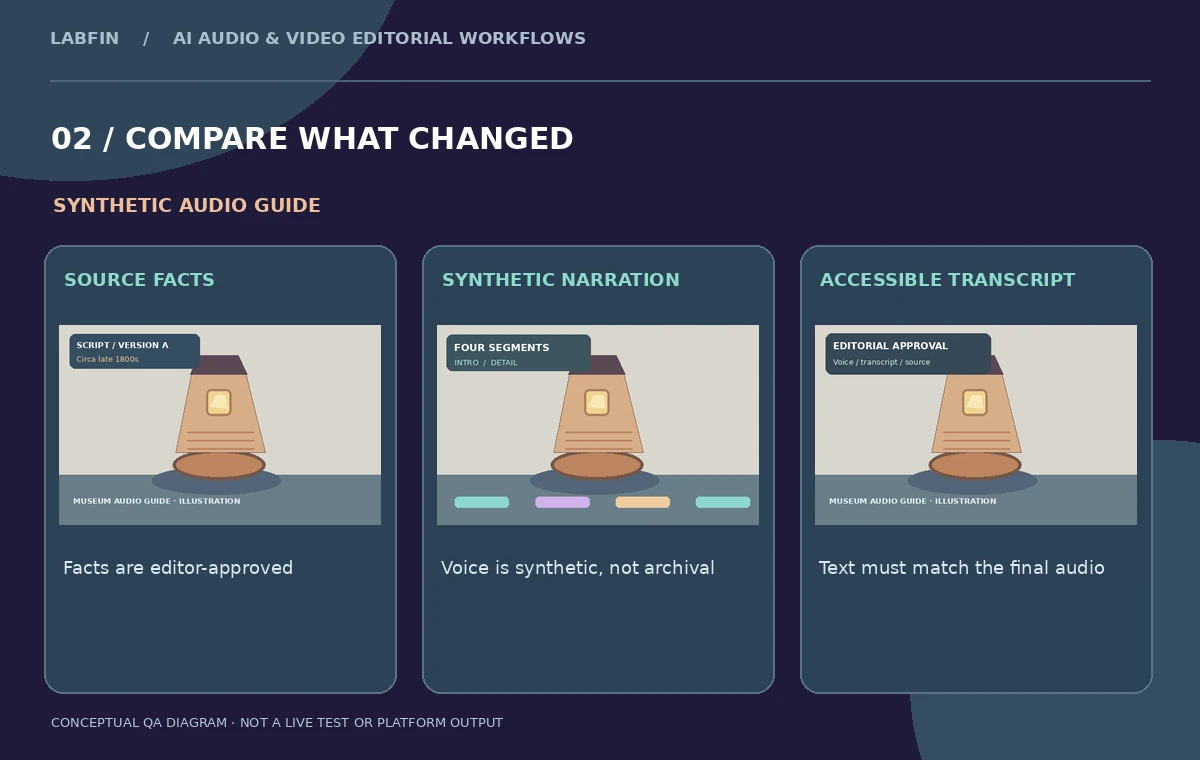
Create a pronunciation sheet for the object name, unusual ceramic terms, proper names and place names. Have a curator or language reviewer listen to every generated sentence; apparent fluency can hide a wrong stress pattern or a swallowed negative. Flag monotonous clauses, unnatural emphasis and pauses that change meaning. A phrase like “not confirmed by the records” needs the word “not” to be obvious. Check the delivery at normal playback speed and on ordinary headphones. If an output fails, revise the punctuation, split the sentence or use a different approved voice; do not claim the tool guarantees precise pacing. The artwork in this article illustrates the proposed review stages, not an actual speech model audition.
Publish accessible text and correct attribution
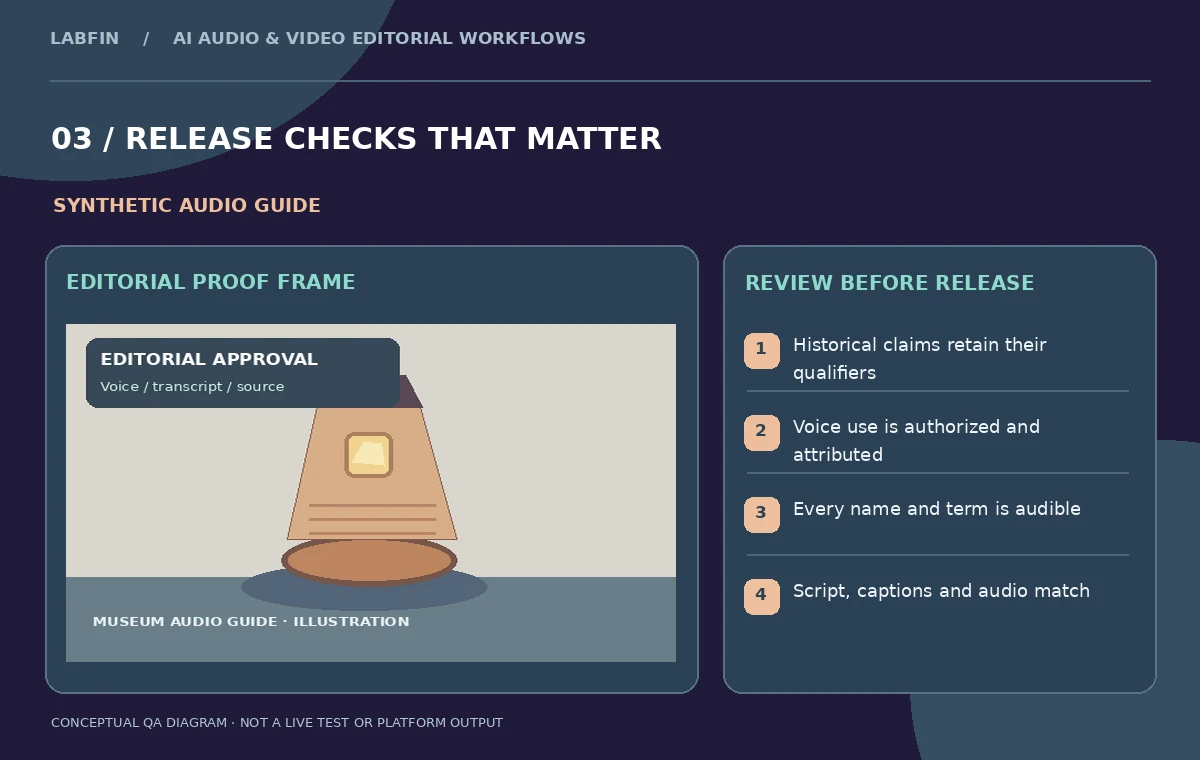
An audio guide also needs a usable transcript, and a caption track if it accompanies video. Compare the final text against the final audio after all regenerations; a script from an earlier version is not automatically an accurate transcript. Avoid captions that display “1890” if the spoken, verified statement is “late nineteenth century.” Add a clear synthetic-narration disclosure appropriate to the museum’s visitor policy. Keep archival recordings, oral histories and generated narration labeled differently in the asset library. Before release, confirm the museum’s permissions, whether voices were properly authorized, and that no personal data was included in generation text. Accessibility is a combination of accurate content, readable formatting and a sensible listening experience.
Create a controlled handoff and revision path
Deliver the editable Resolve project, numbered narration exports, approved script, transcript, pronunciation sheet and source-label references. Provide a one-page review log with fields for factual accuracy, names, tone, music balance, captions and the person who approved each passage. If a label is corrected after publication, regenerate the affected audio and update its transcript, chapter references and downloadable versions together. Do not silently replace the historical wording in just one language version. Keep the original recordings and prior exports so an editor can determine what changed. The repeatable result is a transparent publishing workflow, not a promise that synthetic voices will be indistinguishable from human narration.
How We Research
This DaVinci Resolve 21 AI Speech Generator guide is independent editorial guidance grounded in official documentation: Blackmagic Design: DaVinci Resolve 21 introduction; Blackmagic Design: Resolve 21 new features guide (AI Speech Generator). The illustrated scenario is a fictional museum producing four short narration segments for an exhibit on a ceramic lighthouse lamp, with approved label copy and a synchronized accessibility transcript. We checked the vendor-described capabilities and important eligibility conditions, then mapped a sequence of editorial reviews that readers can repeat with their own authorized media. The images are original teaching diagrams, not product UI screenshots, generated exports, results of a live account test, or measured benchmarks. We did not upload private recordings, access a paid vendor account, run a real A/B experiment, measure performance, or verify hypothetical timecodes. Retain source assets, check current plan availability and privacy settings, and review exported media and metadata before publication.
Frequently Asked Questions
No. Speech Generator starts from written text; Voice Convert starts from an existing vocal performance.
Only with explicit authorization and a documented scope; a permitted built-in voice is a simpler option.
Shorter separate segments are easier to correct, and the official guide advises keeping generated text manageable.
No. Verify every claim, qualification, name and pronunciation against the approved source.
Approved script, generated audio, captions or transcript, rights record, project file and a revision log.