
A craft bakery has a six-minute silent preparation video: a flour-dusted worktop, dough folding, an oven door and a finished loaf. It needs a short teaser without inventing dialogue or turning unrelated moments into one fictional process. OpusClip ClipAnything offers natural-language scene requests and considers visual cues rather than requiring the presenter to narrate every action. This guide builds a practical selection protocol, not a benchmark: define moments, retrieve candidates, inspect source timestamps and make one accurate vertical reel. Every illustration is an original editorial drawing; none is a screenshot or an output from a live OpusClip test.
Write a visual selection brief instead of asking for viral clips
List three factual moments that the film actually contains: hands folding dough, flour brushing off a workbench and the loaf emerging from the oven. Add the constraint that the final video must preserve the order of preparation. A generic request for something engaging leaves the editing criteria undefined. Write natural-language prompts such as “find a close view of hands folding dough” rather than “make the most viral clip.” Record an intended audience, duration ceiling, orientation and any unsafe or misleading shots to exclude. Treat promotional strength as a separate editorial judgment after factual selection, not a property proven by the AI.
Use multimodal retrieval for footage with little or no speech
The official OpusClip ClipAnything overview says it analyzes visual, audio and sentiment cues and supports videos with little or no dialogue. The product describes a Custom Mode in which users add a video, select the genre, enter a prompt and request clips. That is a better match for quiet bakery footage than a transcription-only workflow. It can search for on-screen activities, not merely phrases somebody says. However, the feature description does not guarantee detection of every action or that a returned scene is contextually accurate. Keep the uploaded source and its rights documentation accessible during review.
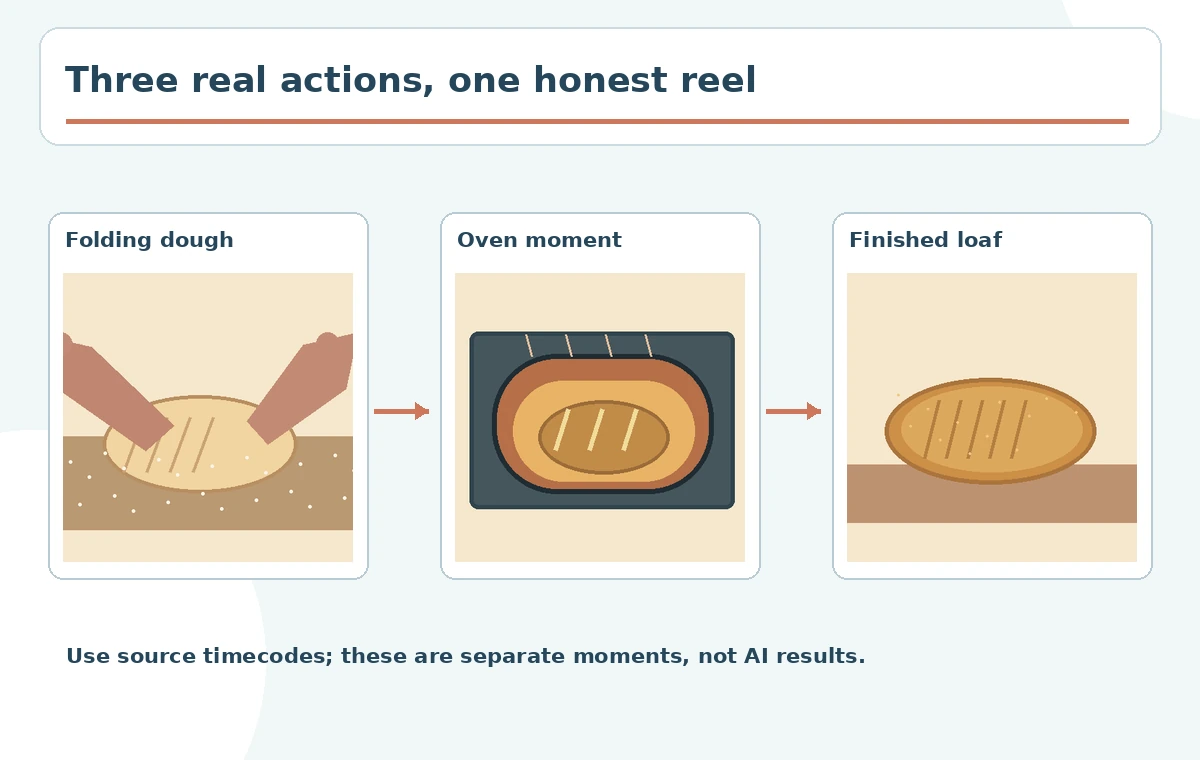
Create targeted prompts for three concrete moments
Prepare separate requests for folding, brushing and unveiling instead of a single request to summarize the entire bake. One prompt might ask for “hands pressing and folding a round dough piece on a wooden board.” Another can identify “a baker opening an oven and lifting a browned loaf.” If a result includes an oven scene from a different cooking session, reject it even if it looks better. Use distinct subject and action terms to narrow candidate selection. The result sheet should identify prompt, suggested moment, source in-point, source out-point and whether the visible action matches the brief.
Separate retrieval from storytelling and preserve chronology
ClipAnything offers highlight and compilation use cases, but combining visually similar moments can suggest a continuous event that never occurred. Watch the moments within their original surrounding footage before arranging the teaser. Ensure the dough-folding segment is from this batch, the finished loaf belongs to the same sequence and the oven clip does not show a different product. If you intentionally make a montage rather than a literal process, label it as a montage and avoid time claims. Retain a simple source log showing file name and the time range of each selected shot. That log protects the editor against accidental narrative fabrication.
Reframe for phone viewing without cropping the action
The OpusClip feature page describes AI reframing to vertical 9:16, square 1:1 and widescreen 16:9. For a vertical bakery reel, follow the hands and dough rather than simply centering the original frame. Inspect the top and bottom of the crop at every change of action. Losing a knife blade or oven handle can make a demonstration confusing; losing a hand near the frame edge may make motion appear unnatural. Reserve room for a short human-edited title and an accessible caption if a final call to action is needed. A conceptual crop diagram here is not an actual measured model result.

Avoid treating virality rankings as evidence of quality
OpusClip markets scene scoring and social-media suitability. Such a rating is a proprietary editorial signal, not a verified prediction of reach, sales or viewer satisfaction. Independently compare whether each candidate presents one complete action, has a clean beginning and ending, and is legible at normal mobile size. A shot that shows the correct loaf and the full fold can be better than a high-ranked scene with a dramatic but irrelevant close-up. Do not invent percentages, success rates or head-to-head performance statistics from a hypothetical bakery example. Explain the final selection in plain words so another editor can review it.
Check music, rights and misleading edits before export
Use only footage that the bakery owns or is authorized to use. If music is added, check the license covers the intended platform; silent source video does not imply free soundtrack rights. Never fabricate a voiceover that appears to be an employee testimonial or a customer reaction. Watch transitions for changes in oven model, ingredients and visible staff that could create a deceptive continuity claim. If the video displays temperature or an ingredient quantity, validate it with the bakery rather than treating text generated in the clip as trustworthy. Keep brand lettering as an editable overlay with a human proofread.
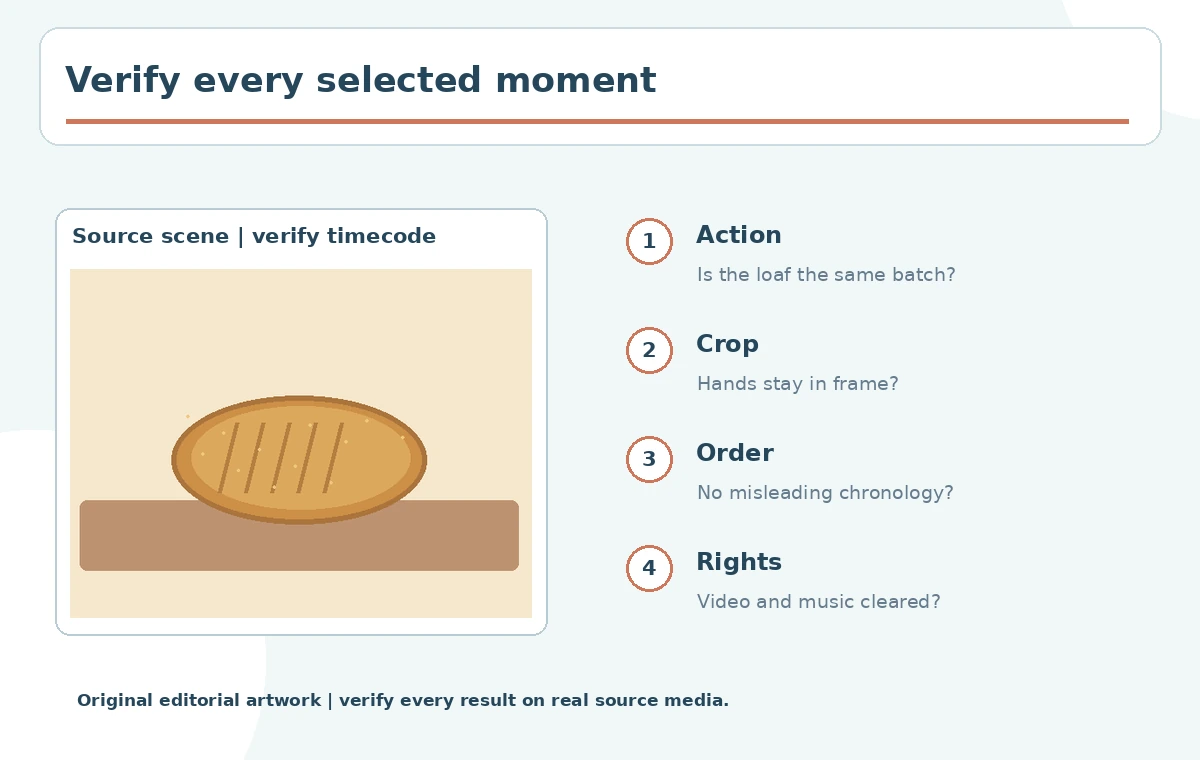
Deliver the reel with a source-aware approval log
The final handoff should contain the original six-minute source, chosen candidate ranges, exported teaser, aspect ratio and a short list of open issues. Include a thumbnail of each candidate with the exact source timecode next to it. Approve the reel only after checking the actual rendered file on a phone; a project preview can conceal compression artifacts, misaligned titles or crop jumps. Save both the vertical export and the edit decisions for reuse in a square cut. The test is operational: can a reviewer point to the source for every scene and explain why the order is fair?
How We Research
We read the first-party ClipAnything product documentation on October 28, 2026 for visual/audio search, custom prompts and reframing. We did not upload a video or measure recommendation accuracy, ranking quality or export speed. The bakery sequences and crop comparisons are purpose-built illustrations for editorial review, not screenshots or claimed performance outcomes.
Frequently Asked Questions
No. Its product description explicitly includes visually driven videos with little or no speech.
Yes. Custom prompts can describe scenes, objects and actions, but human source verification is necessary.
No. Treat any such score as a suggestion, not a demonstrated forecast.
Its product page describes reframing for 9:16, 1:1 and 16:9 formats.
Keep original file, source timecodes, clip prompts, crop review and exported video.