
See ClickUp base plans, Brain AI and Everything AI prices, metered AI credits and why existing and migrated workspaces may see different offers. This guide distinguishes documented product capabilities from editorial decision criteria; any purchase or automation still needs confirmation in the active workspace.
Why two customers can see different ClickUp AI prices
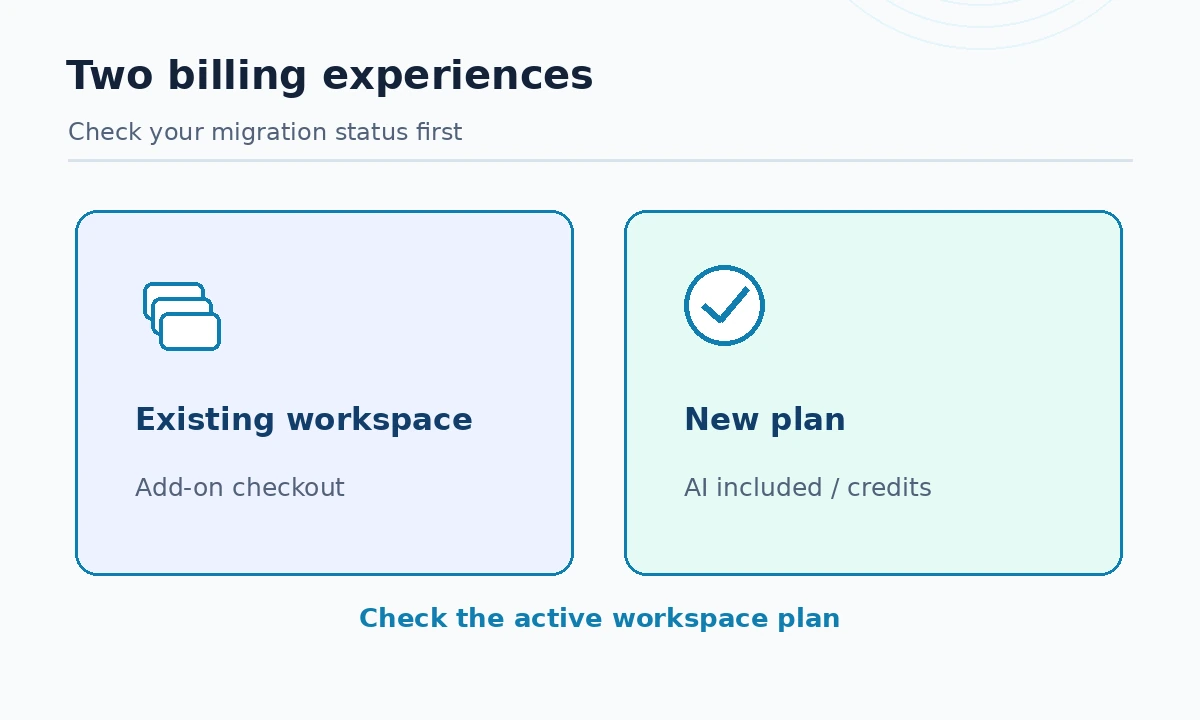
ClickUp AI pricing in late 2026 has a migration problem that makes a single flat quote misleading. ClickUp advertises Brain AI and Everything AI on public pages, while its help center says new ClickUp plans include AI functionality directly, instead of offering those bundles as separately purchasable add-ons. Not every existing workspace has been upgraded. Both descriptions can be true for different accounts on the same date.
Start by identifying whether your workspace uses a legacy paid tier, a recently created Free workspace, or the new plan family. ClickUp’s purchase instructions explicitly warn about staged migration. A spreadsheet quote based only on an article headline may therefore be wrong before anyone selects a credit budget.
Base project-management costs are separate
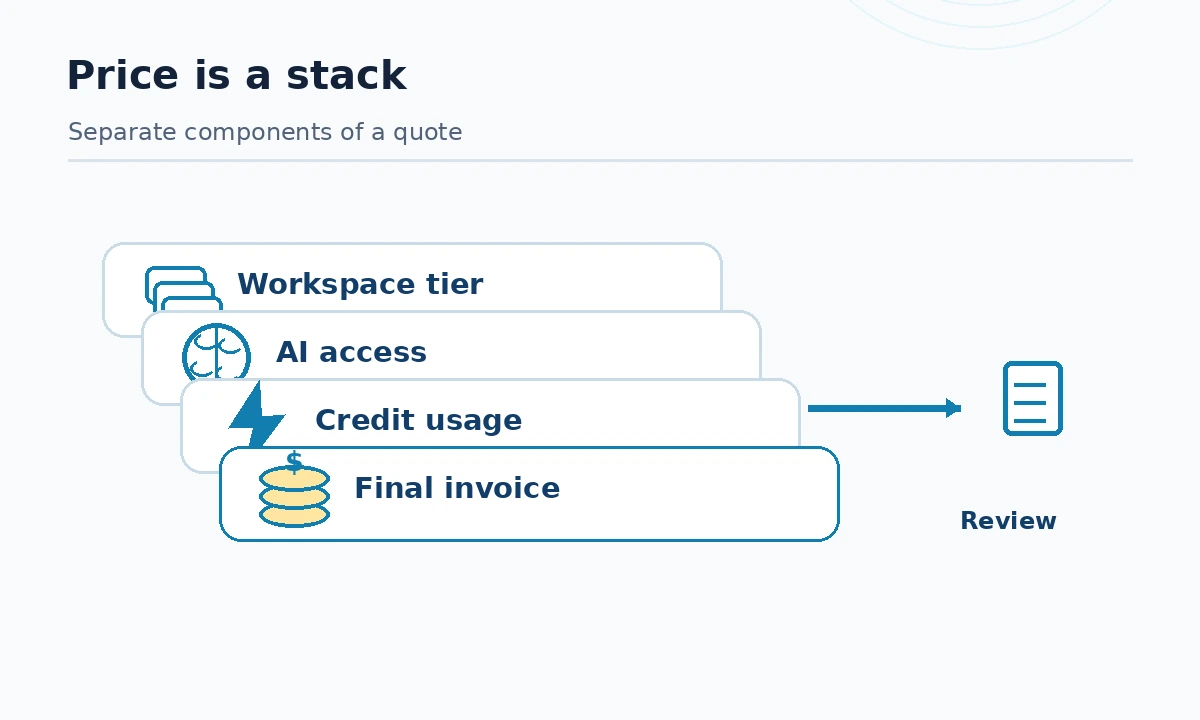
The published ClickUp plan page includes Free Forever and paid project-management tiers. The company’s public FAQ identifies the legacy Unlimited tier from $7 per user per month and Business from $12 per user per month when billed yearly, with Enterprise sold by quote. A legacy Business workspace could previously buy an AI bundle in addition to that seat subscription. These are advertised rates, not a personalized checkout; distinguish annual-commitment monthly equivalents from month-to-month charges.
If your account has the new Core, Business, Business Plus, Enterprise or Max naming, do not force a legacy Unlimited/Business price model onto it. Review actual seat count, billable guest roles, paid workspaces and the AI features included in the plan. Some existing reviews on the web still state that AI must always be an add-on; ClickUp’s own migration documentation makes that blanket claim outdated.
Brain AI versus Everything AI
ClickUp’s AI pricing page displays Brain AI at $9 per user per month and Everything AI at $28 per user per month in its selected yearly view; it also shows struck-through higher figures, so treat $9 and $28 as rates for the displayed offer and check the actual billing toggle. Brain AI emphasizes assistant chat, search, writing and expanded premium model usage; Everything AI adds wider AI-field, scheduling, meeting and automation allowances subject to terms.
Public plan marketing often says “unlimited,” but the help center distinguishes which activities draw shared credits, which have fair-use conditions, and which are included without direct credit charges. On new plans, the practical choice may be a higher workspace tier rather than a Brain add-on. Ask ClickUp sales which packaging applies to your tenant before approving team-wide seats.
Separate AI Super Credits from normal assistant usage
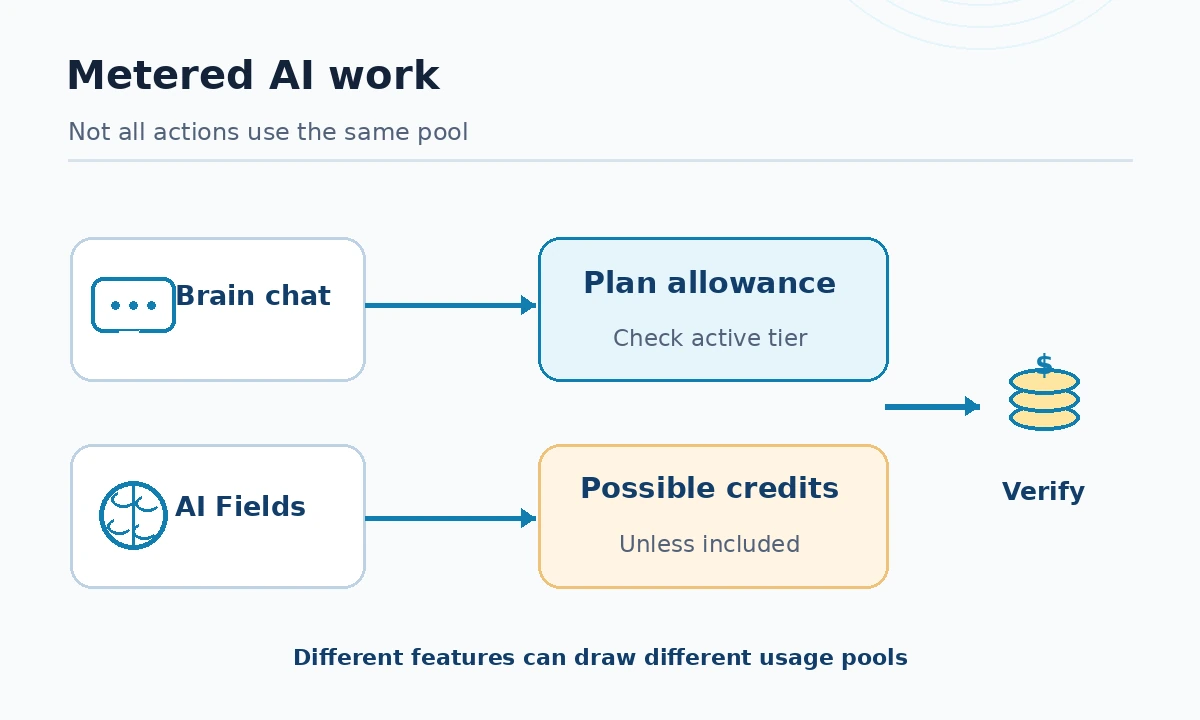
ClickUp’s AI Credits reference identifies activities such as AI Fields, Super Agents and image generation that draw credits unless a plan explicitly includes unlimited usage. On the AI marketing page, the add-on reference price is $10 for 10,000 AI Super Credits. A “credit” is a billing unit for specific operations, not a universal message count or identical unit of model inference.
Track the workload by feature: 100 project summaries in chat, 100 automated field refreshes, and 100 Super Agent runs may incur different consumption. The right budget comes from your actual usage dashboard and the active tier’s rules. Record which pool each feature uses and which admin can purchase additional credits. Do not promise a fixed maximum number of agent runs from a stated credit bundle.
Calculate an example without mixing plan generations
Consider a hypothetical five-seat legacy workspace on annual-billed Unlimited, plus the separately sold $9 Brain AI tier where available. The displayed reference costs would be five times ($7 + $9), or $80 per month equivalent, before tax, credits or extra workspaces. Replacing Brain AI with the advertised $28 Everything AI offer gives five times ($7 + $28), or $175 per month equivalent. These numbers are arithmetic illustrations only, not a quote for a migrated workspace.
The same customer on new plans may receive AI as an inclusion and spend additional money primarily on workspace tier or credits. Never add a legacy AI bundle on top of a new plan that already includes it. For procurement, keep separate columns for “legacy illustration,” “new-plan checkout,” “contract term,” “credits,” and “billing owner.”
What happens on upgrade or cancellation
ClickUp says AI trials are available and add-ons can be managed in Settings → Plans → Add-ons for eligible legacy accounts. It also explains that an AI add-on is bought at the workspace level, with seat charges applying to its members and some seats continuing to count during the billing cycle. On new plans, AI bundles are included and only credits may be added. This difference affects both adoption and offboarding.
Before inviting contractors, identify which roles are billed and what they can see. Before canceling an add-on, export any reports or instructions the team may need and note when the subscription period ends. Verify whether automations continue, pause or change allowances on the intended downgrade; a marketing grid is not a substitute for checking your own configuration.
A safe purchasing pilot for project teams
Choose one existing project containing real but non-sensitive tasks, three volunteer users and a defined time window. Test questions that depend on task comments, updating a controlled status report and one AI Field that has a human-approved comparison. Track how often the answer misses a source, how many corrections the reviewer makes and how fast credits move. Write the results into a simple acceptance log.
Buy nothing extra for a use case that the base product or a simple ClickUp automation already solves. If full AI saves meaningful reviewer time, request a quote based on the actual migrated plan; only then decide on credits. Repeat the pricing check at renewal because ClickUp is actively changing packaging in October 2026.
How We Research
We reviewed the following manufacturer-maintained primary sources on October 27, 2026: ClickUp main pricing, ClickUp AI prices, ClickUp add-on migration, ClickUp AI credits. We compared documented eligibility, current feature descriptions and any published limits against the buying or implementation question this page answers. Figures and credits refer only to the billing views and transition dates specifically identified above; they may vary by seat, country, contract or workspace migration. Our check was a documentation review and workflow design exercise: we did not buy accounts, perform hands-on accuracy benchmarking, interview customers or measure savings. Suggested pilots are reader-run exercises, not results that LabFin claims to have observed.
Frequently Asked Questions
No. ClickUp says its new plans include AI features directly, while older workspaces can still have separate Brain AI add-on checkout.
The currently displayed yearly AI pricing view shows $9 and $28 per user per month respectively; verify the billing toggle and your workspace migration status.
ClickUp lists Super Agents, AI Fields and other metered features among credit-consuming operations unless a qualifying plan includes unlimited usage.
Do not assume that. ClickUp documents workspace-level add-on purchasing and seat charges; confirm eligibility and role billing in the actual checkout.
No. A legacy stacked calculation is useful only for an eligible old workspace; migrated plans may already include the relevant AI functionality.